
CrownGreen Casino App Canada
The CrownGreen Casino mobile app brings our full platform — slots, live casino, sportsbook, and cashier — to your phone without an app store download. This page covers exactly how access works on Android and iPhone, how to set up the home-screen shortcut, what the mobile lobby contains, and the pre-deposit checks every Canadian player should complete before funding an account on a personal device.
Getting CrownGreen on Your Phone
Mobile access to our platform does not require visiting an app store or waiting for a file to install. The CrownGreen app functions through your phone’s browser, delivering the same library of games — from Pragmatic Play live tables to Hacksaw Gaming slots — that you would find on a desktop session. Our Terms and Conditions (clause 1.1) confirm that a mobile app is available, and in practice this works as a browser-based, home-screen-installable experience that behaves like a native application once pinned to your device.
What this means in plain terms:
- Browser-based access — open your phone’s browser, navigate to our site, and the mobile layout loads automatically
- Home screen install prompt — your browser will offer to save the icon directly to your home screen
- No store download needed — there is no requirement to search any app marketplace or grant installation permissions
- Same account as desktop — your existing login, balance, bonuses, and VIP points carry over without any migration step
For a full overview of what our platform includes beyond the mobile layer, the main Crowngreen platform features page details every section.
Adding the Shortcut
The exact path on each device differs slightly, but both routes take under thirty seconds and leave a permanent icon on your home screen. On Android, open Chrome or your default browser, tap the three-dot menu in the top-right corner, and select “Add to Home Screen.” On an iPhone, open Safari, tap the Share icon at the bottom of the screen, scroll down, and tap “Add to Home Screen.” Once pinned, tapping the icon launches the CrownGreen Casino app experience directly without typing a URL each time.
| Device | Route |
|---|---|
| Android | Browser menu → Add to Home Screen |
| iPhone | Share icon → Add to Home Screen |
The shortcut does not create a separate account. Everything you configured during registration — your preferred payment method, your session limits, your bonus status — is exactly where you left it. If you have not yet registered, the easy Crowngreen registration guide walks through the process step by step, including the fields that must match your official documents to avoid delays at withdrawal.
One Account, Every Section
A single profile on our platform covers every part of the product on mobile. You log in once, and the navigation routes you to any of the following sections without a second sign-in or a separate wallet:
- Casino — slots, Megaways, jackpot games, bonus buy titles, and RNG table games
- Live casino — blackjack, baccarat, and poker tables from providers including Pragmatic Play, Evolution, and Ezugi
- Promotions — deposit bonuses, free spin offers, and active tournaments with prize pools up to $2,250,000
- Sportsbook — sports betting is part of the same interface, accessible under a dedicated tab
The CrownGreen app does not split balances between the casino and sportsbook sections. Your VIP points accumulate across all activity, and a single deposit of $1,500 can qualify you for VIP Manor status through our fast-track programme. If you have questions about how sections connect or need account support, the support Crowngreen solutions details page covers common queries in depth.
What the Mobile Lobby Shows
The mobile lobby is built around four interface elements designed specifically for smaller screens, and each one serves a distinct navigational purpose. The layout prioritises fast routing over visual decoration, so the most-used controls appear at the top of every view. RTP information is accessible within individual game panels, which matters to players who want to compare titles before committing a session budget.
| Element | Purpose |
|---|---|
| Game filters | Route directly to slots, live casino, instant games, or the sportsbook |
| Cashier shortcut | Opens the deposit screen without returning to the main menu |
| RTP screen | Displays return-to-player figures within each game’s info panel |
| Responsible play controls | Provides access to deposit, loss, wager, and session limits from the account menu |
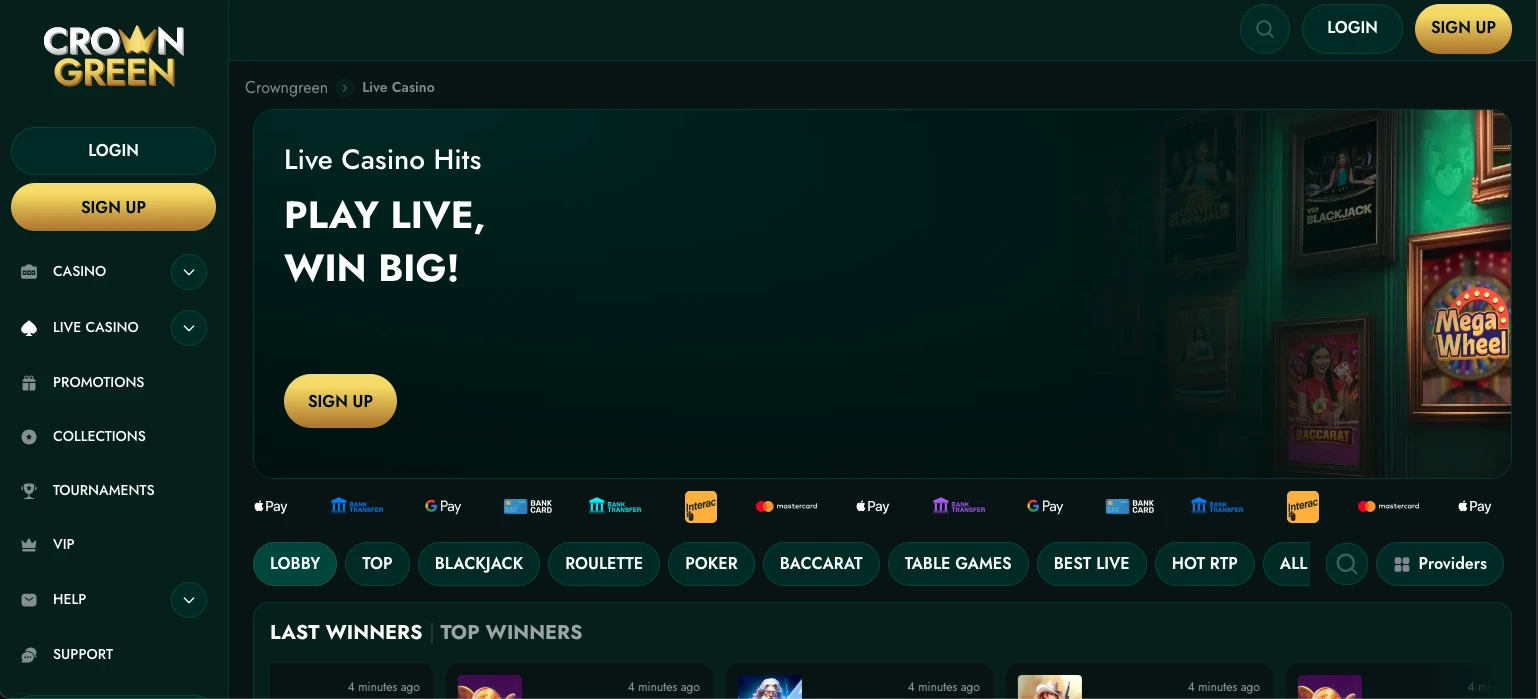
The CrownGreen Casino app lobby also surfaces our current tournament banners — events like Spin Express ($1,500,000 prize pool) and Book of Billionaire ($2,250,000) appear as tappable cards on the home view. Our minimum deposit is $30, and the cashier shortcut on mobile accepts Interac, Apple Pay, Google Pay, Skrill, and Neteller, among other methods.
Before Your First Mobile Deposit
Before funding your account from a phone, there are four checks worth completing to avoid friction later:
- Confirm withdrawal methods — verify that the method you plan to use for deposits is also available for withdrawals; Interac withdrawals process within 0–24 hours after approval, while card withdrawals take 3–5 business days
- Check limit controls — navigate to account settings and confirm that deposit, loss, wager, and session limits are configured before you deposit
- Upload KYC early — if your mobile profile supports direct document upload, submit your ID while your account is still at zero balance, so verification is complete before your first withdrawal request
- Review offer terms — the first-deposit bonus reaches up to $1,500 plus 100 Free Spins; confirm province eligibility, the minimum deposit required to activate the bonus, and the wagering conditions before opting in
Players who want to use the download CrownGreen app for android path should note that the process remains the same as described above — there is no separate APK to find; the browser-to-home-screen route covers all Android devices. Withdrawal limits on our platform reach $15,000 per day, $30,000 per week, and $75,000 per month, figures worth knowing before a large win triggers your first cashout request.
Session Safety on a Personal Device
Protecting your account on a personal device means signing out after each session, keeping your login credentials private, and ensuring the account cannot be accessed by minors who share the same phone or tablet. Our platform’s Terms and Conditions require that account holders not share login details with any other person, and this obligation has direct practical implications on a shared device. Failing to sign out leaves your balance, payment details, and personal information exposed to whoever picks up the phone next.
The CrownGreen Casino mobile app stores no payment credentials on the device itself; all transactions pass through our encrypted cashier layer. Account-level safeguards — deposit limits, session timers, loss caps — are accessible from the account menu on mobile and can be updated between sessions. Our minimum age for participation is 18+, and responsible gaming tools are available at all times, not only after a problem arises. If you need to step away temporarily, our self-exclusion and cool-off options are located in the same settings panel as your financial limits, meaning one screen handles both account security and wellbeing controls. Reach our 24/7 live chat or email support at any point if a limit adjustment requires manual review.
Who Should Play on Mobile
Players who benefit most from our mobile setup are those who want the discipline of playing within pre-set limits on a device that is always close at hand. The cashier shortcut and account-menu controls make it straightforward to check your remaining session budget mid-play, which is harder to do when switching between tabs on a desktop. High-volume players who qualify for VIP Manor status will also find the mobile lobby efficient — the VIP section, points tracker, and bonus panel all load from the same CrownGreen navigation, so there is no need to open a computer to manage rewards. Whether you play slots from BGaming, live blackjack from Pragmatic Play, or prefer placing a sports wager, our platform presents all of it under a single sign-in from your phone.
Frequently Asked Questions
Does CrownGreen have a mobile app?
Yes. The CrownGreen Casino app is confirmed in our Terms and Conditions under clause 1.1. In practice, the experience is delivered through a browser-based, home-screen-installable format — sometimes called a progressive web app — rather than a file downloaded from an app store. Once pinned to your home screen, it opens like any native application and gives you access to every section of our platform.
How do I add the site to my home screen?
On Android, open your browser, tap the menu icon, and select “Add to Home Screen.” On an iPhone, open Safari, tap the Share icon, and choose “Add to Home Screen.” The icon appears immediately, and tapping it loads our full mobile lobby without requiring you to type the address each visit. No account information is affected by this step.
Is the sportsbook available on mobile?
Yes — sports betting is part of the same single-account interface as our casino and live casino sections. You do not need a separate account or a separate wallet. Switch between the sportsbook and casino tabs from the main navigation without logging in again, and any balance or bonus funds remain consistent across both areas.
Can I verify documents from my phone?
KYC document upload is supported through our mobile interface for players whose account profile includes direct verification. We recommend completing this step early — before your first withdrawal request — by photographing your ID with your phone’s camera and uploading directly from the account settings panel. Early verification removes the most common source of processing delays.
Do I need a separate mobile account?
No. The account you create on our platform covers desktop and mobile equally. Your balance, VIP points, active bonuses, limit settings, and payment methods are identical across both environments. There is nothing to migrate, activate, or re-register when you switch from one device to another.